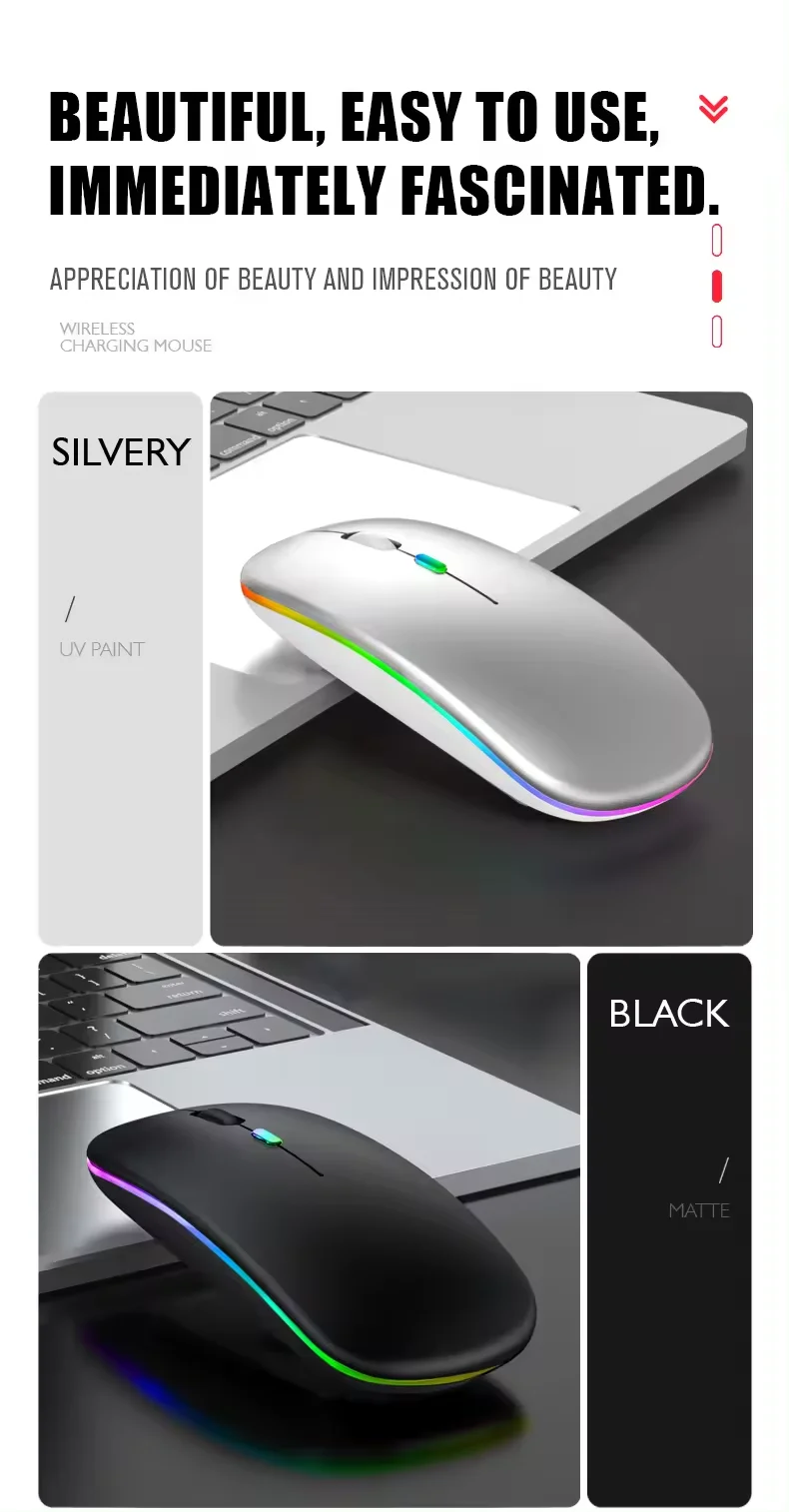
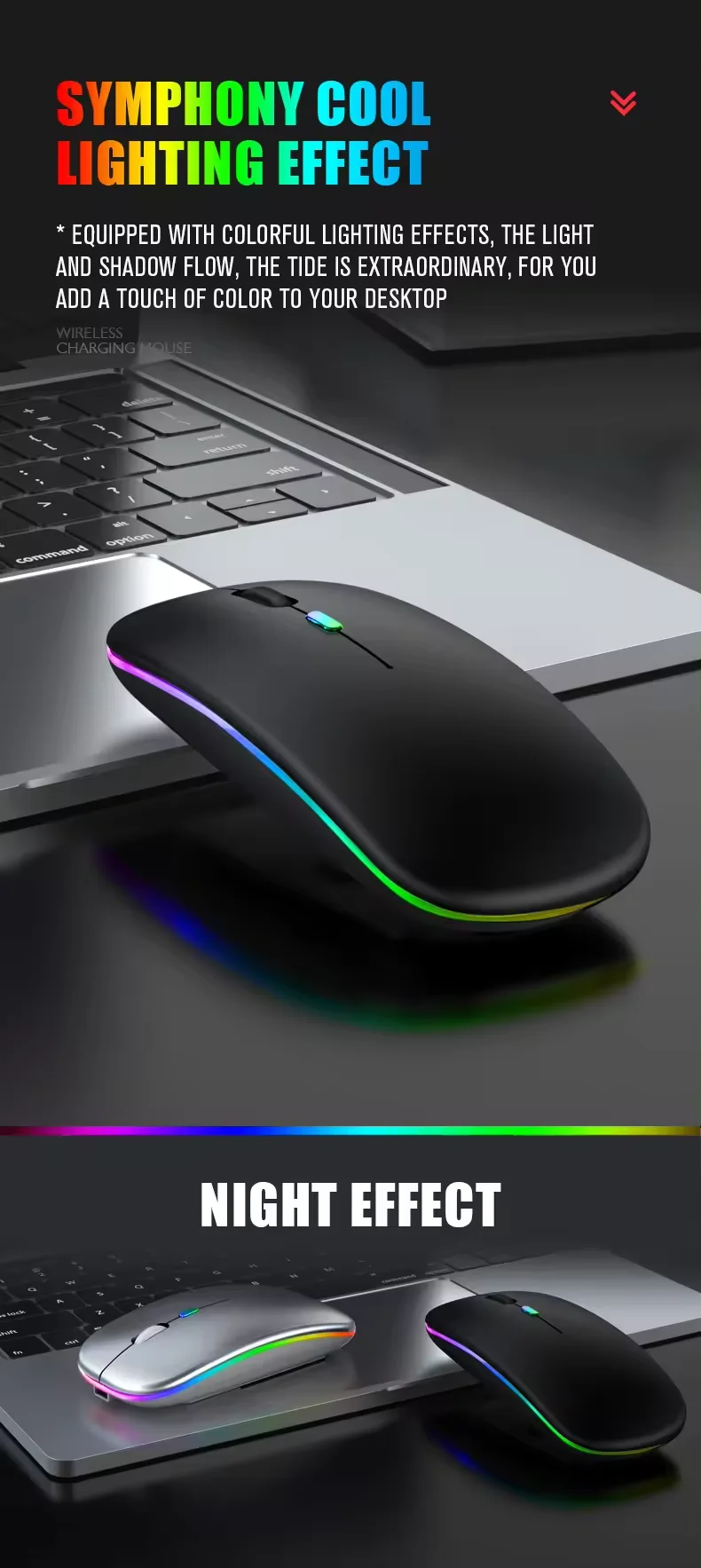
Wireless mouse with Bluetooth connectivity, rechargeable design, and 2.4 GHz USB receiver, featuring a modern ultra-thin build, 1600 DPI sensitivity, and 6 buttons, ideal for gaming and compatible with PC, laptop, and MacBook

Wireless mouse with Bluetooth connectivity, rechargeable design, and 2.4 GHz USB receiver, featuring a modern ultra-thin build, 1600 DPI sensitivity, and 6 buttons, ideal for gaming and compatible with PC, laptop, and MacBook

Metallic Gray
€9,20
Skip to product information
Wireless mouse with Bluetooth connectivity, rechargeable design, and 2.4 GHz USB receiver, featuring a modern ultra-thin build, 1600 DPI sensitivity, and 6 buttons, ideal for gaming and compatible with PC, laptop, and MacBook

Wireless mouse with Bluetooth connectivity, rechargeable design, and 2.4 GHz USB receiver, featuring a modern ultra-thin build, 1600 DPI sensitivity, and 6 buttons, ideal for gaming and compatible with PC, laptop, and MacBook

€9,20
Color

SPECIFICATIONS

Additional Attributes: Rechargeable

Brand Name: NONE

Certification: CE

Computer Mouse Connectivity Technology: Bluetooth

Computer Mouse Motion Detection Technology: Optics

Hazardous Materials: None

Input Mouse Hand Orientation: Right

Input Mouse Operating System: Windows

Mouse Feature: Laser

Mouse Input Power Source: On Batteries

Mouse Input Style: Modern

Mouse Material: Plastic

Mouse Ornament: Led

Mouse Sensitivity: 16,000 Dpi

Number of Buttons: 6

Origin: China

USB Ports: 1 Unit.

Product features

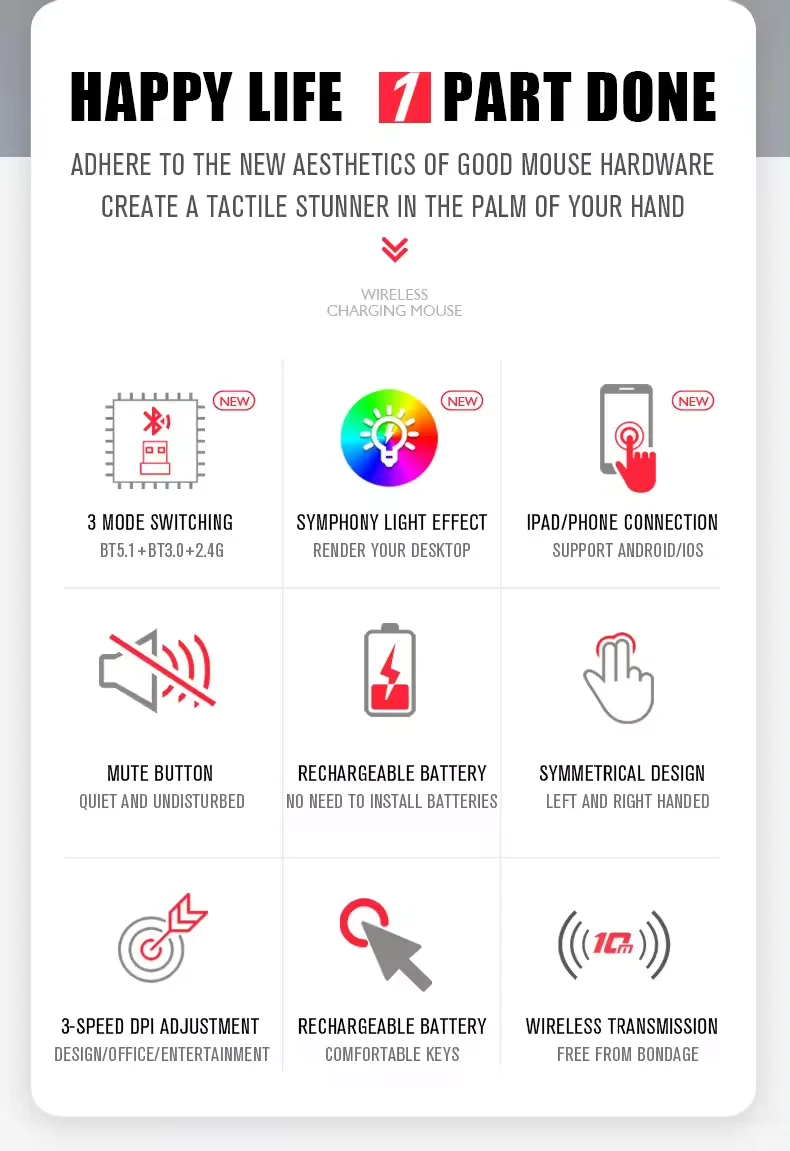
1.Ultra-thin, modern and practical design;

2, strong anti-interference ability, long working distance up to 10m

3, intelligent energy-saving red light design, long standby time

4, the wheel scrolling zippers, you through networks with ease and speed

Note:

1.Do not disassemble the product yourself

2, avoid falls

3, avoid water

2.4 ghz connection

When using:

1, insert the usb receiver into the bottom of the mouse into the computer

2.Open the power switch at the bottom of the mouse, then you can use it normally!(please note that in this order, quick pairing)

Bluetooth use

1, in the on position, turn on the bluetooth of the device and click the mouse bt3.0 or bt5.2

How to connect the mouse for ios:

You need to update to ios 13 or higher,

Settings → accessibility → accessibility touch → turn on your phone or tablet and find pairing
You may also like